The analysis of all ratings is done by the person who invited you. They decide whether and when you get to see a result. Here is what a shared result shows — and what it never contains.
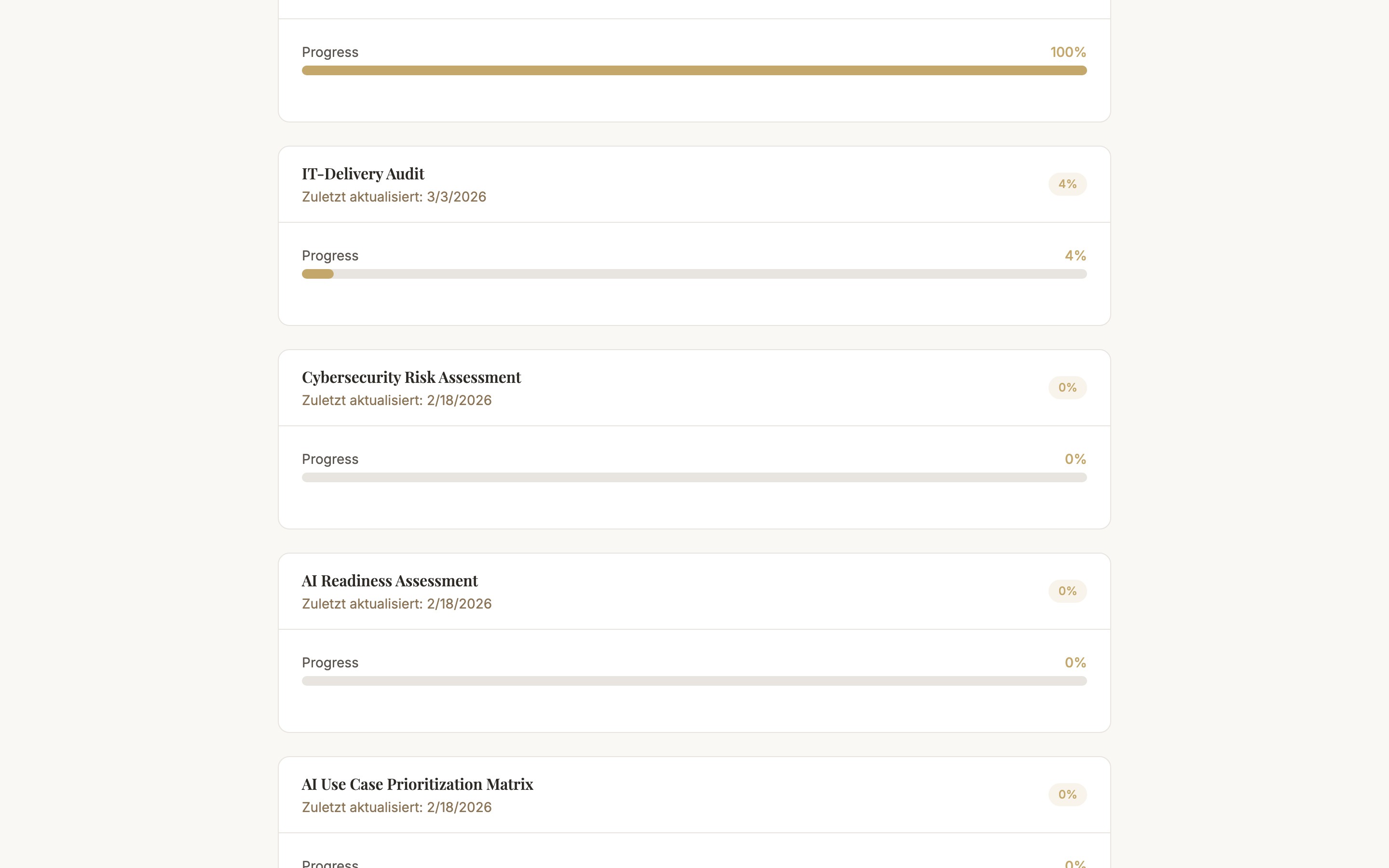
Accessing Results
Results are not sent automatically. The person who invited you can create a separate results link and send it to you, optionally with a password and an expiry date. Your invitation link does not show results.
What a Results Link Shows
- Maturity level — Overall value and level of the assessment; for several assessments of a project also the overall maturity
- Categories — Result per evaluation area
- Top recommendations — up to three recommendations, if already created
- Status — "Interim" or "Final" and the link's expiry date
What It Never Contains
- Individual answers — neither yours nor those of other participants
- Participant list — no names, email addresses or roles
- Internal notes — input fields and notes of the inviting person stay internal
Info
Who rated what, and where the ratings diverge, is visible only to the inviting person and their team in their own analysis.
Common Questions
Common Questions
I have not received a results link
The link is only shared at the inviting person's discretion. Ask them about the status.
The results link says "expired" or "unavailable"
The link has expired or been revoked. Ask for a new link.
Next Steps
- Privacy & Data Processing — which data is stored
- Join an Assessment — back to the participation guide