View Results
After completion of a multi-stakeholder assessment the consultant can share the aggregated overall results with you. Here you learn what you can see — and what is intentionally not visible.
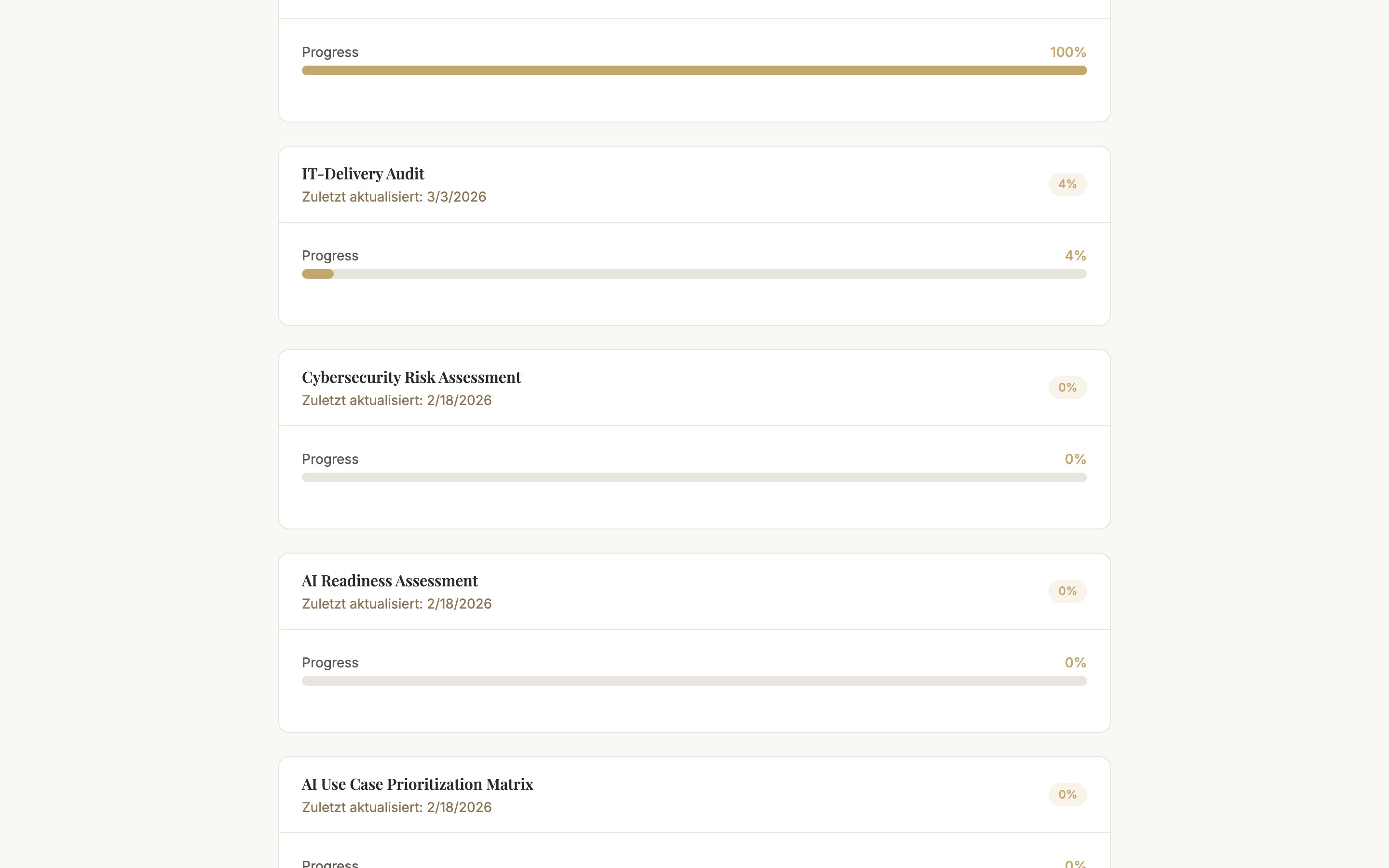
Accessing Results
The consultant decides whether and when to share the results. If results have been shared with you, you receive a separate results link — either by email or directly from the consultant.
What You See
- Overall score — The aggregated score across all participants and categories
- Category breakdown — How the organization performs across individual evaluation areas
- Strengths & weaknesses — The areas with the highest and lowest scores at a glance
- Consensus chart — Where participant assessments align, where there are divergences
What You Do Not See
- Individual answers from other participants — The answers of each individual participant are private. Only the consultant can see who answered what.
- Your own individual answers in comparison — In the shared results link no personal individual comparisons are visible.
Results Not Visible Yet?
Results are only shared when the consultant decides to do so — typically after all participant submissions are complete and after their own analysis. Contact the consultant directly if you would like a status update.
Common Questions
I have not received a results link
The results link is actively shared by the consultant and is not automatically available. Ask the consultant whether the results have already been analyzed and released for sharing.
The results link shows an error
Results links are valid for a limited time. If the link has expired or no longer works, ask the consultant to generate a new link.
Next Steps
- Privacy & Data Processing — how your data is stored and protected
- Join an Assessment — back to the participation guide